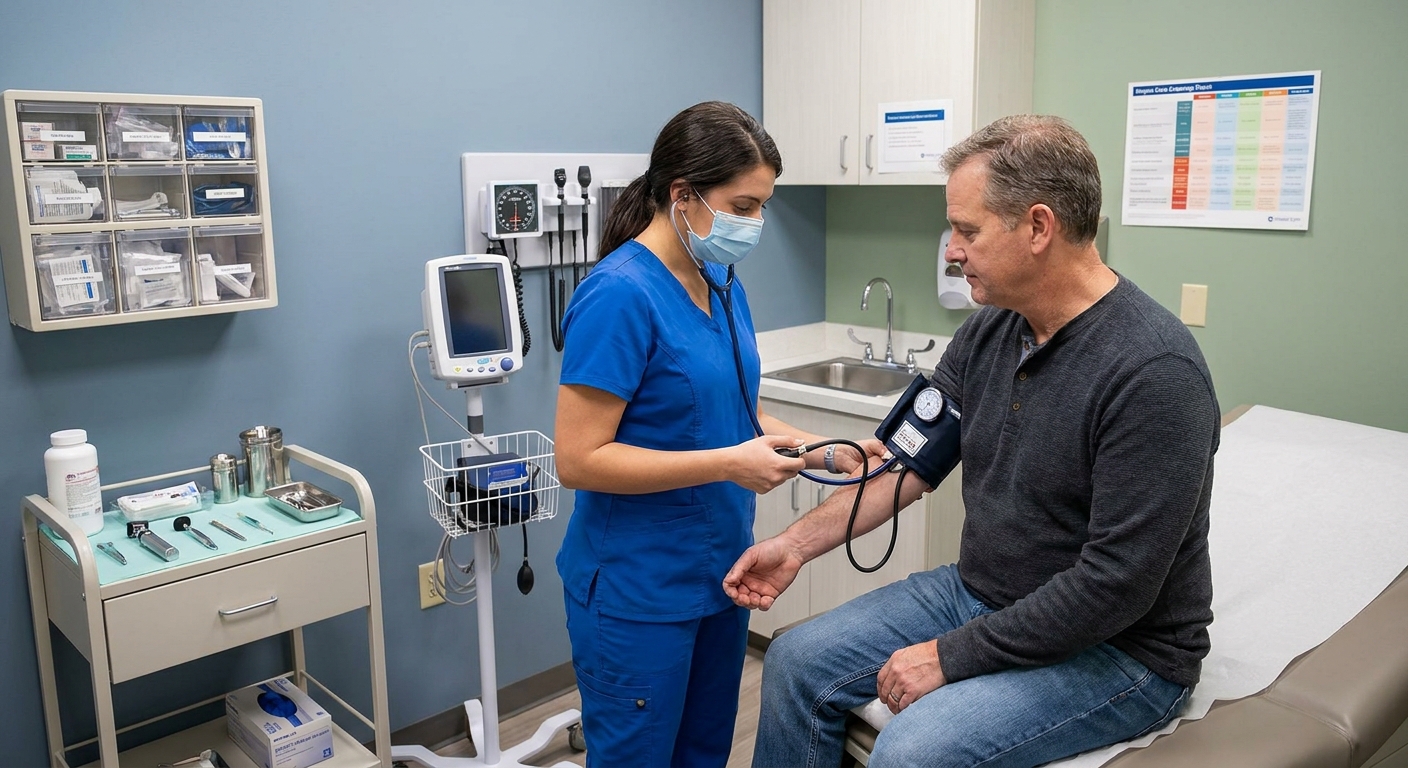
Telehealth can be a lifesaver when you are busy, not feeling well enough to drive, or simply trying to get care without losing half a day. But a virtual visit works best when you treat it a little like a mini clinic visit. A few small steps on your end can help your clinician make safer decisions, faster.
Here are seven practical, patient-tested tips I share with families in primary care to help you feel prepared, heard, and confident when the visit ends.
1) Start with a one-page health snapshot
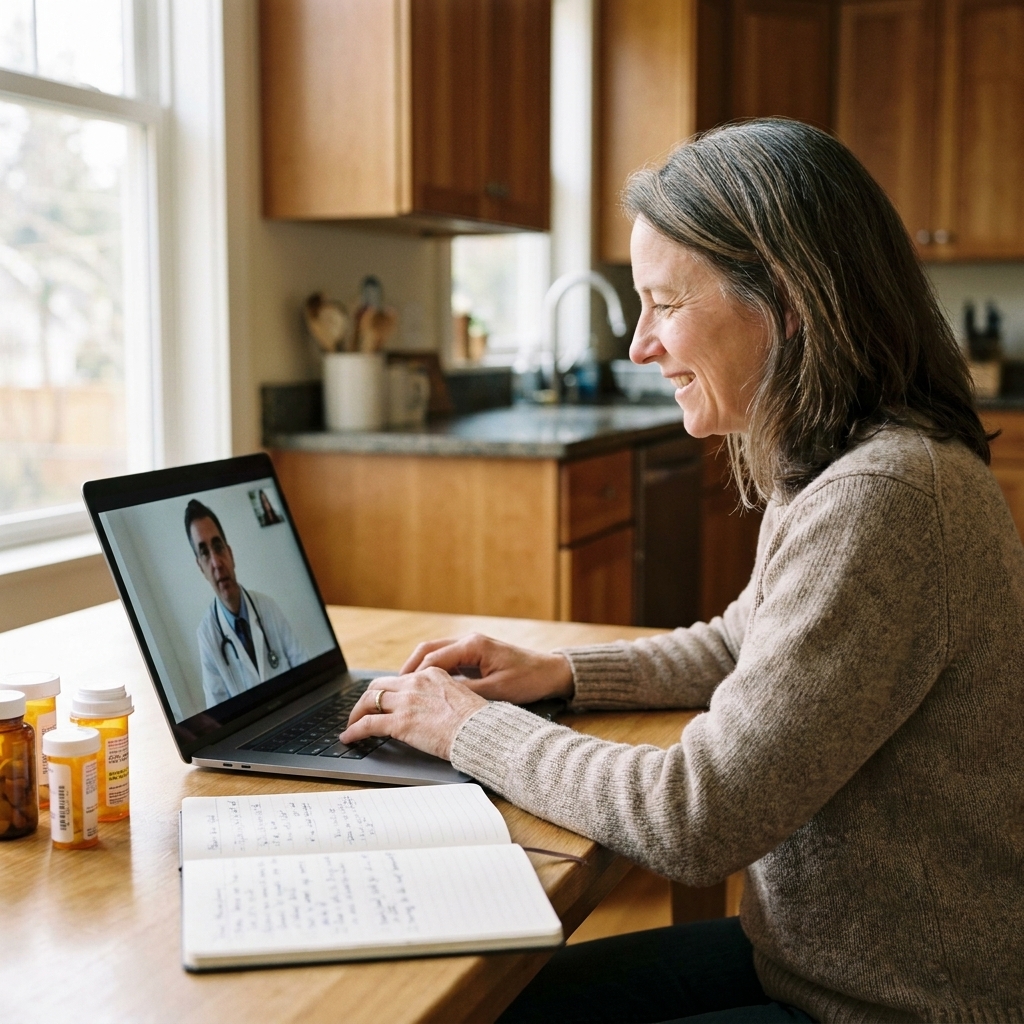
In a clinic, I can scan your chart, see your vital signs, and often pick up helpful details just by being in the room with you. On telehealth, you are my eyes and ears. A quick one-page health snapshot makes the visit more accurate from the first minute.
What to include
- Your main concern in one sentence (example: “Burning when I urinate for 2 days, no fever”).
- Key medical conditions (asthma, diabetes, high blood pressure, depression, migraines, etc.).
- Surgeries and major hospitalizations with approximate dates.
- Allergies and what reaction you had (rash, swelling, anaphylaxis, stomach upset).
- Current medications including over-the-counter meds, supplements, and inhalers, plus the dose if you know it.
- Pharmacy name and location.
If you are caring for a child, add their weight if you have it. Weight often guides safe dosing.
If you are caring for an older adult, weight can still matter, but medication safety is also often influenced by kidney or liver function and fall risk. If you know they have chronic kidney disease or recent lab changes, mention it.
2) Do a quick tech rehearsal
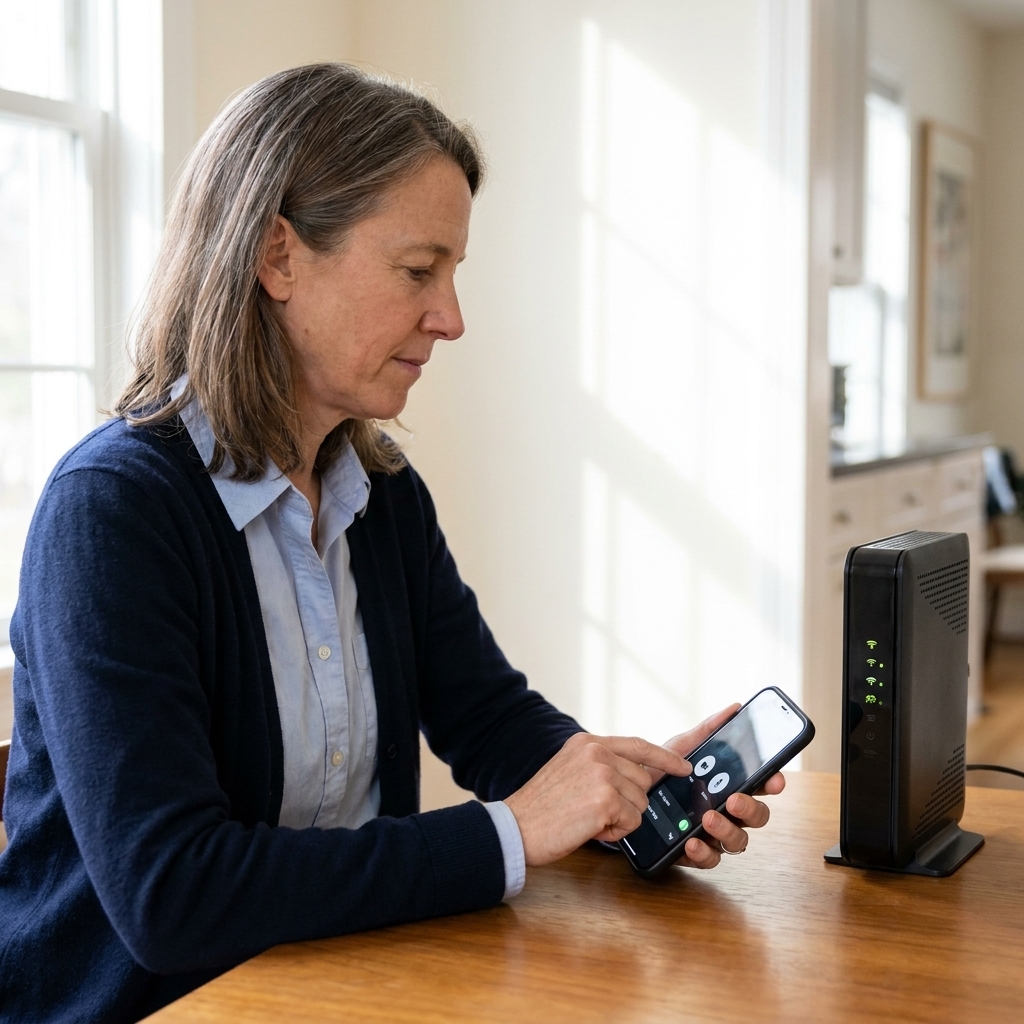
Much of the frustration with telehealth comes from preventable tech hiccups. A quick check reduces stress for you and helps protect the limited time you have with your clinician.
- Update the app (patient portal or video platform) earlier that day.
- Test audio and camera, then close other apps to free up bandwidth.
- Charge your device or plug in so you do not lose the call mid-symptom description.
- Use stable internet. If Wi-Fi is spotty, move closer to the router or switch to cellular data.
- Turn on Do Not Disturb to reduce interruptions.
- Use headphones if you can for privacy and clearer audio.
- Have a backup plan (a phone number the clinic can call if video fails).
3) Set up your space
Privacy and visibility matter. When I can see your face clearly and you feel comfortable speaking freely, we both get a better visit.
Try this setup
- Choose a quiet, private room. If privacy is hard at home, consider your parked car.
- Face a light source (a window or lamp) so your clinician can better see skin tone, swelling, and breathing effort.
- Prop the camera at eye level. A stable view beats a shaky handheld phone.
- Wear practical clothing. A loose sleeve helps for rashes or swelling. If the issue is a joint, wear something that allows movement.
If you are discussing sensitive topics like mental health, sexual health, or safety at home, it is okay to say, “I am not alone, can we use yes or no questions?” or “I need a moment of privacy.” A good clinician will work with you.
4) Bring a few simple tools
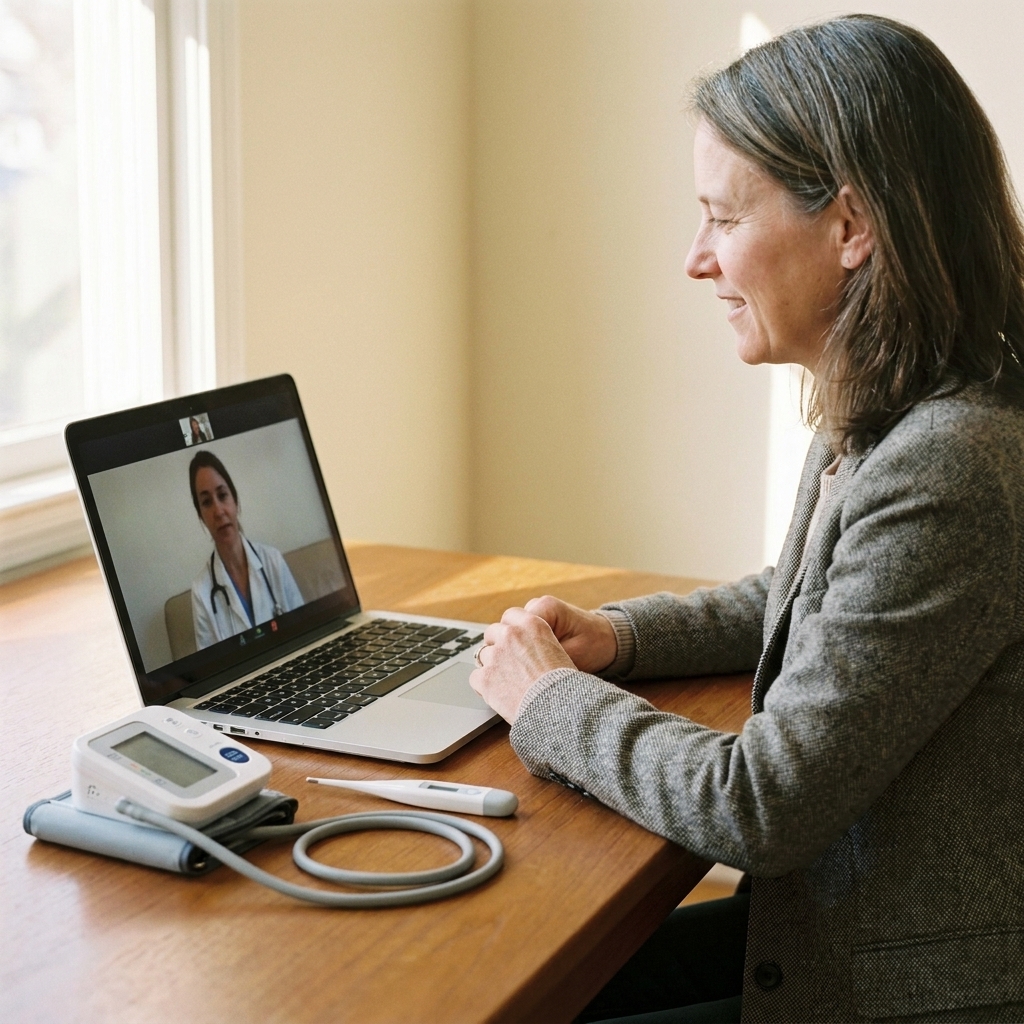
You do not need fancy equipment, but a few everyday items can make telehealth feel much more like an in-person visit.
- A current medication list or the bottles in a bag.
- A thermometer if you feel sick.
- A flashlight (your phone light works) for throat or skin concerns.
- A blood pressure cuff if you have one, especially for hypertension, pregnancy concerns, dizziness, or new meds.
- A scale for heart failure monitoring, sudden weight changes, or pediatric dosing support.
- A pulse oximeter can be helpful for lung issues, but do not panic over one reading. We look at trends plus how you look and feel. Readings can also be thrown off by cold fingers, nail polish, poor circulation, and some devices may be less accurate across a range of skin tones. If your number is low and you feel short of breath, weak, confused, or worse than expected, seek urgent care.
- Pen and paper to write down next steps.
- Insurance card and ID if your clinic requires verification.
5) Tell your story clearly
When you are uncomfortable or worried, it is normal to jump around. A simple structure helps your clinician quickly understand what is happening and what needs to be ruled out.
A simple script
- Start: “My main concern today is…”
- Timeline: When did it start? Has it been constant or on and off?
- Severity: On a 0 to 10 scale, how bad is it?
- Associated symptoms: Fever, shortness of breath, chest pain, vomiting, rash, dizziness, weakness, blood in urine or stool.
- What you tried: Meds taken, home remedies, what helped, what made it worse.
- Relevant context: Sick contacts, travel, new foods, new meds, recent injuries, pregnancy possibility, recent procedures.
If the problem is visible, ask, “Would it help if I show you?” Then move slowly and keep the camera steady.
6) Confirm the plan
One of the most common reasons people feel dissatisfied after any medical visit is that they leave without a clear plan. Telehealth is no different.
Three questions I love
- “What do you think is most likely, and what else are you considering?”
- “What should I do first, and when should I expect improvement?”
- “What are my warning signs that mean I should seek urgent or in-person care?”
Before you hang up, repeat back the plan in your own words. This quick “teach-back” catches misunderstandings and helps you feel more confident.
If you only remember one thing: ask, “What would make you worry enough that you would want to see me in person?”
Quick logistics to confirm
- Prescriptions: Confirm your preferred pharmacy (and that the address on file is correct).
- Testing: If labs or imaging are needed, ask where to go, whether you need an appointment, and when results will come back.
- Referrals: If you need a specialist, ask how the referral will be sent and what to do if you do not hear back.
7) Know telehealth limits
Telehealth is excellent for many concerns, but some situations truly need hands-on evaluation, imaging, labs, or urgent treatment. If something feels seriously wrong, you are not “overreacting” by seeking in-person help.
Get urgent or emergency care now for
- Chest pain, pressure, or trouble breathing
- Face drooping, trouble speaking, new one-sided weakness
- Fainting, confusion, or severe lethargy
- Severe allergic reaction (swelling of lips or tongue, trouble breathing)
- Uncontrolled bleeding, major burns, or significant injury
- Severe abdominal pain with fever, persistent vomiting, or stiff abdomen
- In infants: difficulty waking, breathing trouble, dehydration signs (like fewer wet diapers), or fever in a very young baby, especially under 3 months. Follow local guidance and contact urgent care or your clinician immediately.
For less urgent situations, you may still need an in-person visit if symptoms are not improving, the diagnosis is uncertain, or a physical exam is essential (for example, certain ear infections, abdominal tenderness, or a new lump).
Quick checklist
If you like a simple pre-visit routine, here is my go-to checklist.
- Write your one-sentence main concern
- List meds, allergies, and medical conditions
- Take vitals if you can (temp, BP, weight)
- Test video, sound, and internet
- Find a private, well-lit spot
- Have pharmacy info ready
- Prepare 2 to 3 questions you want answered
FAQ
What if I cannot find a private place for telehealth?
You have options. Many people use their car, step outside with headphones, or schedule at a time when others are out. If privacy is limited, tell your clinician at the start. We can adjust how we ask questions and focus on what is safest to discuss in the moment.
Should I send photos before the appointment?
If your clinic allows it, clear photos can be very helpful for skin rashes, swelling, eye redness, or medication labels. Use good lighting, keep the camera steady, and take one photo from a little farther back and one closer. When it makes sense, include a common object for scale (like a coin or ruler). Avoid sending anything you are not comfortable storing in your medical record.
What if I forget what the clinician said?
Ask for a written after-visit summary through your patient portal, or ask the clinician to repeat the plan slowly while you write it down. It is also reasonable to ask, “Can you list the top three things I should do after we hang up?”
Closing thoughts
Telehealth works best when you and your clinician act like a team. A bit of preparation on your end helps us spend more time on what you came for: getting answers, relief, and a clear next step.
If you want, keep a small “telehealth kit” in a drawer with a thermometer, a notepad, and your medication list. Future you will be grateful.